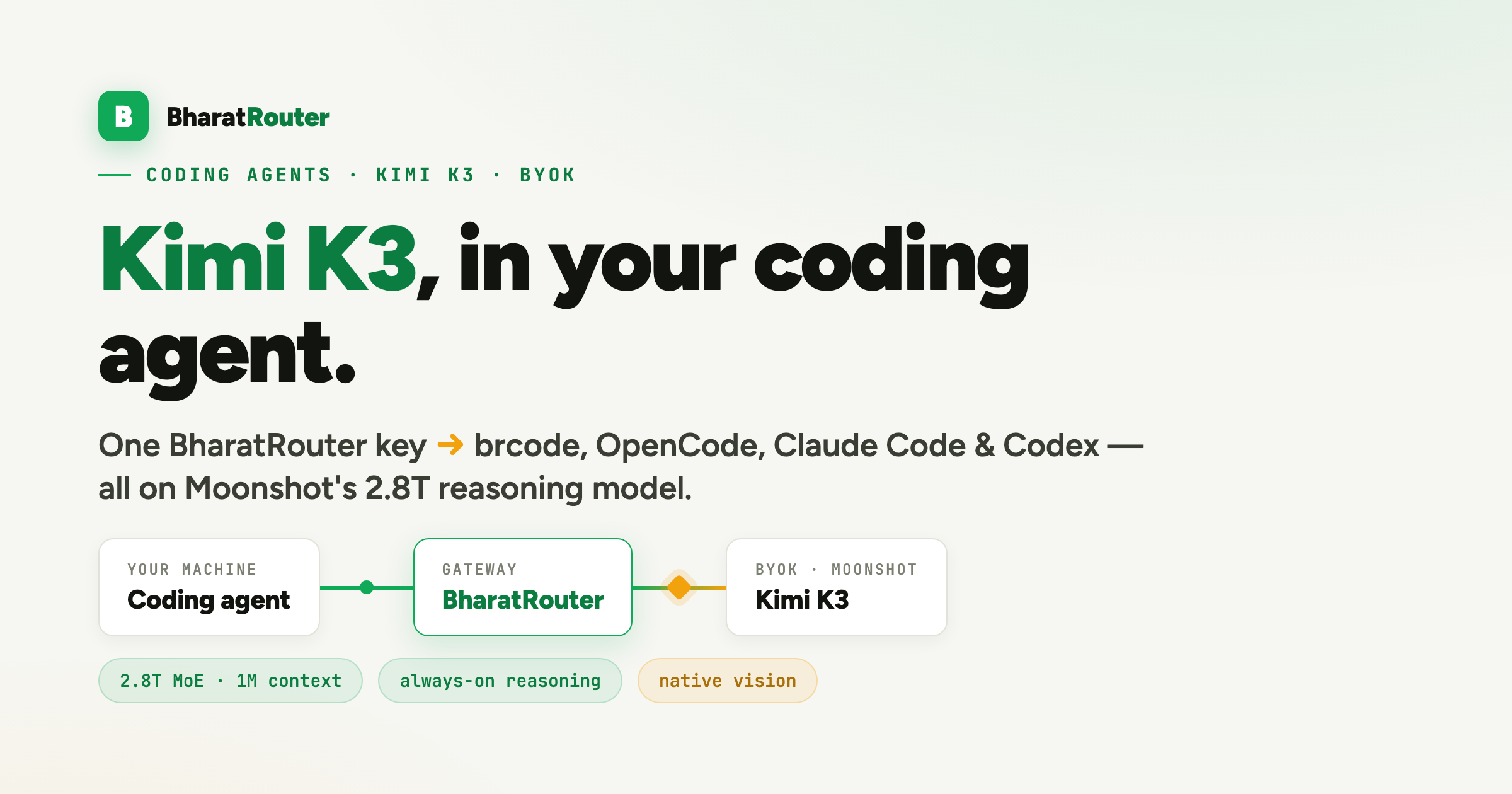
Moonshot'sKimi K3 is a 2.8-trillion-parameter open MoE with a 1M-token context, native vision and always-on "thinking mode". It's live on BharatRouter askimi-k3 — so you can drive it from whichever coding agent you already like. This post wires it into four of them (brcode, OpenCode, Claude Code, Codex CLI), plus the raw API, and compares what K3 costs across providers.
Update, September 2026:kimi-k3 now also runs on BharatRouter credit — no Moonshot key needed. Saving your own Moonshot key (BYOK) below is optional: when it's present, the gateway uses it and bills ₹0 on BharatRouter.
The one thing to set up first: your Moonshot key (BYOK)
On BharatRouter, kimi-k3 serves two ways. It runs on BharatRouter’s own platform key by default — nothing to set up, billed from your BharatRouter balance at ₹288 in / ₹1,440 out per Mtok — or on your Moonshot key (BYOK), which bills ₹0 on BharatRouter and charges Moonshot directly. Everything below is about the BYOK path; there are two ways to supply the key, and which one you use decides the rest:
- Per-request — add an
upstream_keyfield to the JSON body. Great for scripts and the raw API; only works when you control the request body. - Saved on the dashboard — add your Moonshot key once underConsole → Key Vault → Moonshot. Then a plain
model: "kimi-k3"call routes with no extra field.Coding agents need this one — OpenCode, Claude Code and Codex send a fixed request shape and can't inject a per-requestupstream_key. Save the key once and every agent below just works.
You'll also need a BharatRouter key (br-…) — new orgs get ₹100 credit. BYOK inference debits ₹0 from your BharatRouter balance; you pay Moonshot on your own key (more on cost below).
Warm-up: the raw API call
The one place you can pass the Moonshot key per-request. Everything else is the same OpenAI-shaped call you already know:
curl https://api.bharatrouter.com/v1/chat/completions \
  -H "Authorization: Bearer $BR_KEY" \
  -H "Content-Type: application/json" \
  -d '{
    "model": "kimi-k3",
    "upstream_key": "sk-…your-moonshot-key",
    "max_tokens": 800,
    "messages": [
      {"role": "user", "content": "Refactor this function to be pure. …"}
    ]
  }'
Two K3-specific notes that save you a confused five minutes:
- Give it room. Thinking mode is always on and burns reasoning tokens first, so a tiny
max_tokensgets eaten before any visible content. Use≥ 400 (800+ for real edits). The reply carries bothcontentandreasoning_content. - Confirm the route. The response headers should read
x-br-provider: moonshotandx-br-model: kimi-k3. Latency runs higher than a non-reasoning model because K3 thinks on every turn — expected.
Way 1 — brcode (BharatRouter Code)
brcode is our one-command coding agent. It defaults to GLM, but every harness it launches honours a single model setting — so pointing the whole thing at Kimi K3 is one line. (Live on production today.)
brew install bharatrouter/tap/brcode   # or: curl -fsSL https://bharatrouter.com/install/code.sh | bash
brcode login && brcode init            # zero-paste browser login, writes configs
brcode model kimi-k3                   # persists across every harness
brcode                                 # OpenCode front-end, now on Kimi K3
# …or the Claude-Code front-end, same key, same model:
brcode claude
If you want the BYOK path, run this after saving your Moonshot key on the dashboard — otherwise brcode doctor reports the platform route, which works but bills your BharatRouter balance instead of your Moonshot account. you're coding. Switch back anytime with brcode model default.
Way 2 — OpenCode (Codex-style, direct)
Fastest path — one line. This installsOpenCode if you don't have it, writes the provider config below, defaults you to Kimi K3 and launches. Note theBR_KEY sits in front of bash, not curl — inVAR=x curl … | bash the variable is scoped to curl and the script never sees it:
curl -fsSL https://bharatrouter.com/install/kimi.sh | BR_KEY=br-… bashThe hosted script bakes in no key — yours travels only in your command. It needs your Moonshot BYOK key saved first (see above). And because it writes thebr- key inline into the 0600~/.config/opencode/opencode.json, the desktop GUI works too, with none of the LaunchAgent setup below — the app reads the key straight from the config, so there's no shell-env 401.
Prefer to wire it by hand? Add BharatRouter as an OpenAI-compatible provider and name the model — drop this in ~/.config/opencode/opencode.json:
{
  "$schema": "https://opencode.ai/config.json",
  "provider": {
    "bharatrouter": {
      "npm": "@ai-sdk/openai-compatible",
      "name": "BharatRouter",
      "options": {
        "baseURL": "https://api.bharatrouter.com/v1",
        "apiKey": "{env:BHARATROUTER_API_KEY}"
      },
      "models": { "kimi-k3": { "name": "Kimi K3" } }
    }
  },
  "model": "bharatrouter/kimi-k3"
}
export BHARATROUTER_API_KEY="br-…"
opencodeThe Moonshot key stays on the BharatRouter dashboard (BYOK) — it never touches your local config. Your machine only ever holds the br- key.
…and the OpenCode desktop app (GUI)
The OpenCode desktop app reads the same~/.config/opencode/opencode.json — so the provider block above already points it at Kimi K3. If you used the one-line installer, you can skip the rest of this section — it writes the key inline, so the GUI already works. The gotcha below only applies to the hand-edited env-var config: apps launched from the Dock or Finderdon't read your shell's ~/.zshrc, so{env:BHARATROUTER_API_KEY} resolves to nothing and the app returns 401. Two ways to fix it:
- Simplest: launch OpenCode from a terminal that already has the key —
source ~/.config/bharatrouter/env && open -a OpenCode. - Permanent: install a tiny LaunchAgent that exports the key into the GUI session at login, so double-clicking the app just works. The secret stays only in your
0600keyfile — never in the plist:
cat > ~/Library/LaunchAgents/com.bharatrouter.env.plist <<'PLIST'
<?xml version="1.0" encoding="UTF-8"?>
<plist version="1.0"><dict>
  <key>Label</key><string>com.bharatrouter.env</string>
  <key>RunAtLoad</key><true/>
  <key>ProgramArguments</key><array>
    <string>/bin/bash</string><string>-c</string>
    <string>. "$HOME/.config/bharatrouter/env"; launchctl setenv BHARATROUTER_API_KEY "$BHARATROUTER_API_KEY"</string>
  </array>
</dict></plist>
PLIST
launchctl load ~/Library/LaunchAgents/com.bharatrouter.env.plist
# then fully quit and relaunch OpenCode
Inside the app, pick BharatRouter › Kimi K3 from the model switcher and you're coding. (The cookbook recipe below ships this as launchagent.sh.)
One keyless command for either
Don't want to hand-edit JSON? The recipe's setup.sh does the whole thing andembeds no key — it asks for your BharatRouter key first, checks whether Kimi K3 already routes, only then asks for your Moonshot key (saving it server-side via BYOK), and writes a config that references the key by environment variable, never inline:
curl -fsSL https://raw.githubusercontent.com/bharatrouter/cookbook/main/recipes/13-kimi-k3-coding-agents/setup.sh | bashWay 3 — Claude Code
Claude Code speaks the Anthropic Messages wire. BharatRouter translates that to Moonshot's OpenAI wire and back — streaming and thinking blocks included — so the realclaude CLI drives Kimi K3 unchanged. Export the env and launch:
export ANTHROPIC_BASE_URL="https://api.bharatrouter.com"
export ANTHROPIC_API_KEY="br-…"
export ANTHROPIC_CUSTOM_HEADERS="x-br-api-key: br-…"
export ANTHROPIC_DEFAULT_OPUS_MODEL="kimi-k3"
export ANTHROPIC_DEFAULT_SONNET_MODEL="kimi-k3"
export ANTHROPIC_DEFAULT_HAIKU_MODEL="kimi-k3"
claude
The same br- key goes in both ANTHROPIC_API_KEY and thex-br-api-key header (without the API-key slot filled, Claude Code refuses to start). Setting all three model tiers to kimi-k3 keeps the agent's background calls on K3 too. Requires the Moonshot BYOK key saved on the dashboard.
Way 4 — Codex CLI
Recent Codex CLI talks the OpenAI Responses API. BharatRouter serves a/v1/responses endpoint, so Codex points cleanly at the gateway. Add a provider to ~/.codex/config.toml:
model = "kimi-k3"
model_provider = "bharatrouter"

[model_providers.bharatrouter]
name = "BharatRouter"
base_url = "https://api.bharatrouter.com/v1"
wire_api = "responses"
env_key = "BHARATROUTER_API_KEY"
export BHARATROUTER_API_KEY="br-…"
codexCodex reads the repo's AGENTS.md for project context, exactly as it does on its native backend — nothing to change there.
What does Kimi K3 cost — Moonshot vs OpenRouter vs everyone else?
K3 is new (launched 16 July 2026), and right now it has exactly one first-party host: Moonshot. Third-party GPU hosts haven't picked up the open weights yet — expect that to change over the coming weeks. Today's landscape, per million tokens:
| Provider | Input | Output | ≈ INR (₹96/$) | Notes |
|---|---|---|---|---|
| Moonshot direct api.moonshot.ai | $3.00 | $15.00 | ₹288 / ₹1,440 | The only first-party host today. Offers context-cache discounts on repeated input — a real lever for coding agents that resend a big repo context. |
| OpenRouter moonshotai/kimi-k3 | $3.00 | $15.00 | ₹288 / ₹1,440 | A pass-through to Moonshot's single (int4, 1M-ctx) endpoint — same token price. OpenRouter's margin is the credit top-up fee, or ~5% if you BYOK your Moonshot key to it. |
| BharatRouter kimi-k3 | $3.00 | $15.00 | ₹288 / ₹1,440 | Platform (default): routes on BharatRouter's key and debits ₹288 / ₹1,440 per Mtok from your balance. BYOK: save your own Moonshot key and you pay Moonshot's $3/$15 directly while BharatRouter debits ₹0. The x-br-cost-inr header is indicative only on the BYOK path. |
| Baseten · Together · Fireworks · Novita · DeepInfra · SiliconFlow | — not serving K3 yet — | These host older Kimi models today (K2 / K2.6 / K2.7-Code) and typically undercut first-party once they onboard a model. Watch for K3 endpoints appearing here. | ||
The takeaway: K3's token price is the same everywhere right now — it's all Moonshot underneath. So pick your host on what wraps the tokens. Through BharatRouter you get INR metering, per-agent spend attribution, India-residency policy on the routes that support it, circuit-breaker failover, and a single key across all four agents above — with no markup on the BYOK tokens themselves.
Cost-sensitive and don't need K3's frontier reasoning? The olderkimi-k2.7-code ($1.00 / $4.40) and kimi-k2.6 ($0.95 / $4.00) are a fraction of the price and are already served by multiple hosts — swap the model id in any config above. And on pure price-for-coding, an open GLM route can be cheaper still — seethe GLM-vs-frontier benchmark.
Sample code
Every config in this post — the raw call, the OpenCode provider block, the Claude Code env, the Codex TOML, the keyless installer and a small "does it route?" check — lives in the cookbook:
github.com/bharatrouter/cookbook → 13-kimi-k3-coding-agents ↗
Related reading
Kimi and Moonshot are trademarks of Moonshot AI; OpenCode, Claude Code and Codex are their respective owners' — BharatRouter is not affiliated. Full reference:API reference · BYOK ·the brcode guide.